
|
|
Article ID: 3393
Last updated: 02 Oct, 2025
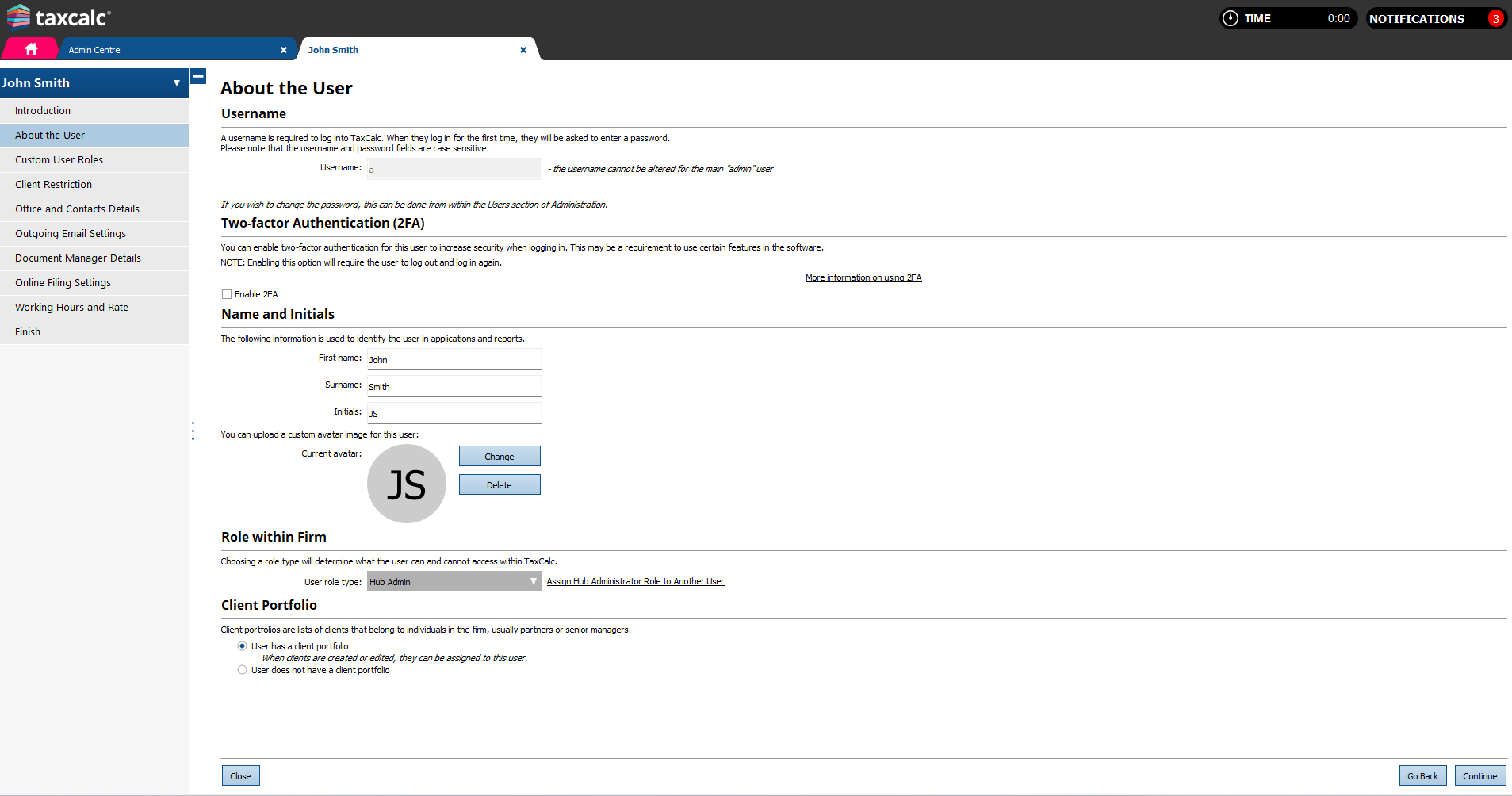
During the initial installation of TaxCalc, a superior administrator role is created called Hub Admin and this is assigned to the username admin. The Hub Admin role has additional permissions and options compared to other security roles in the system. Only the user holding the Hub Admin role, when logged in, can see a link to Assign Hub Administrator Role to Another User within their user record, on the About the user page.
On selecting this link, the current Hub Admin is prompted to select another user who will become the new Hub Admin and is prompted to choose a new role for themselves (as they will no longer be the Hub Admin).
On selecting Confirm, the user will be logged out of TaxCalc and prompted to re-login with their existing login details, but they will log in against their newly assigned user role. When the user who has become the new Hub Admin logs in to TaxCalc, they will now hold all the permissions relevant to the Hub Admin. Permissions specific to Hub Admin role: Upgrades and installer Only the Hub Admin user has access to Complete update when a newer version of TaxCalc is installed. Database actions:
Other roles can only have the 2 following options, if set in their security role’s administration page:
Password protection: Only Hub Admin is able to see password protected client’s info across the system without entering a password. Shared outgoing email: The Hub Admin user is automatically added as a user to any Firm’s outgoing email settings, as can be viewed in Firm details > edit an office > outgoing email settings > Manage users. Other users can be added manually.
This article was:
|
||||||||||
.png)


