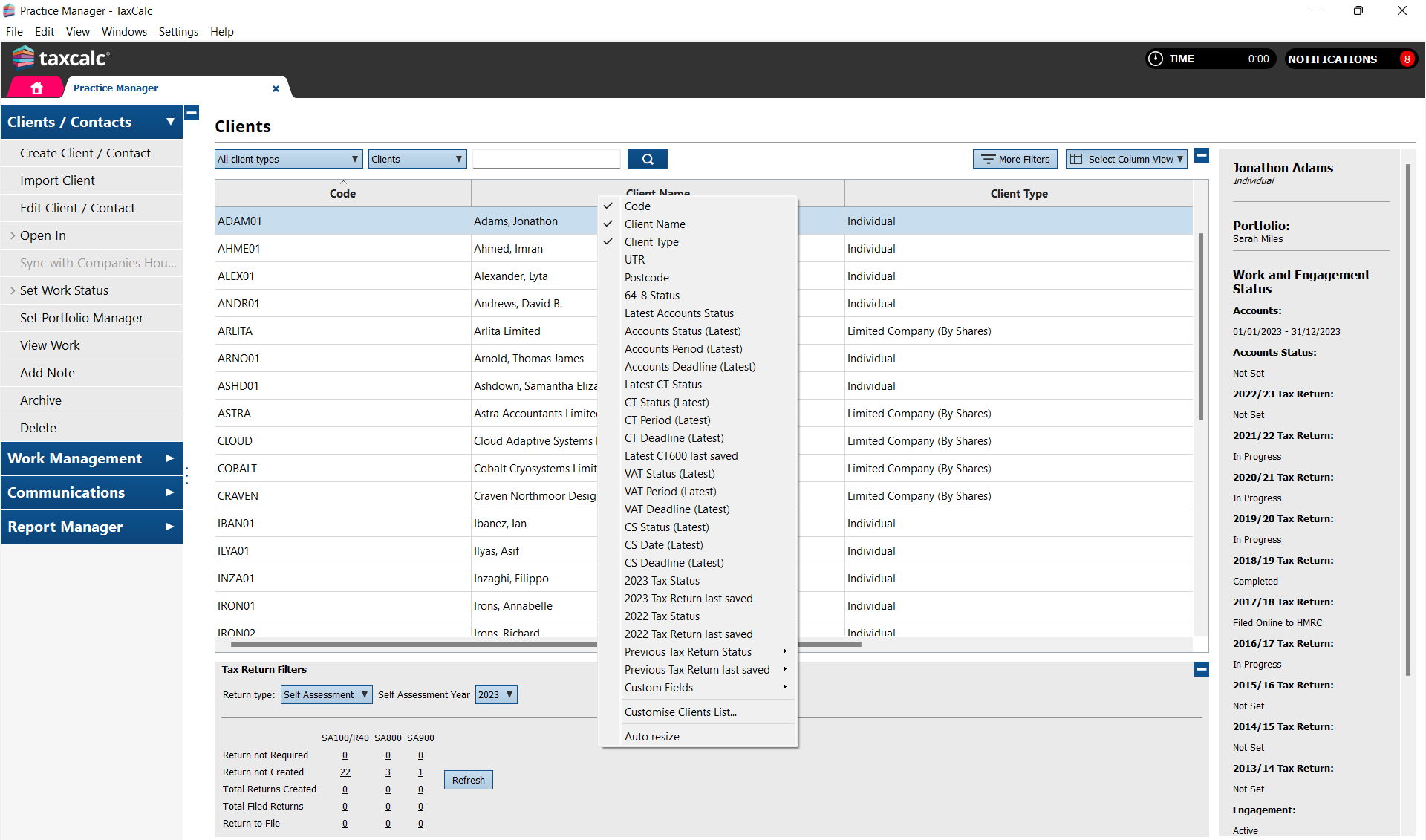
Right click on one of the columns within the client list in Practice Manager to display a list of columns which you can select to display on your client list view.
Please contact our team on 0345 5190 882