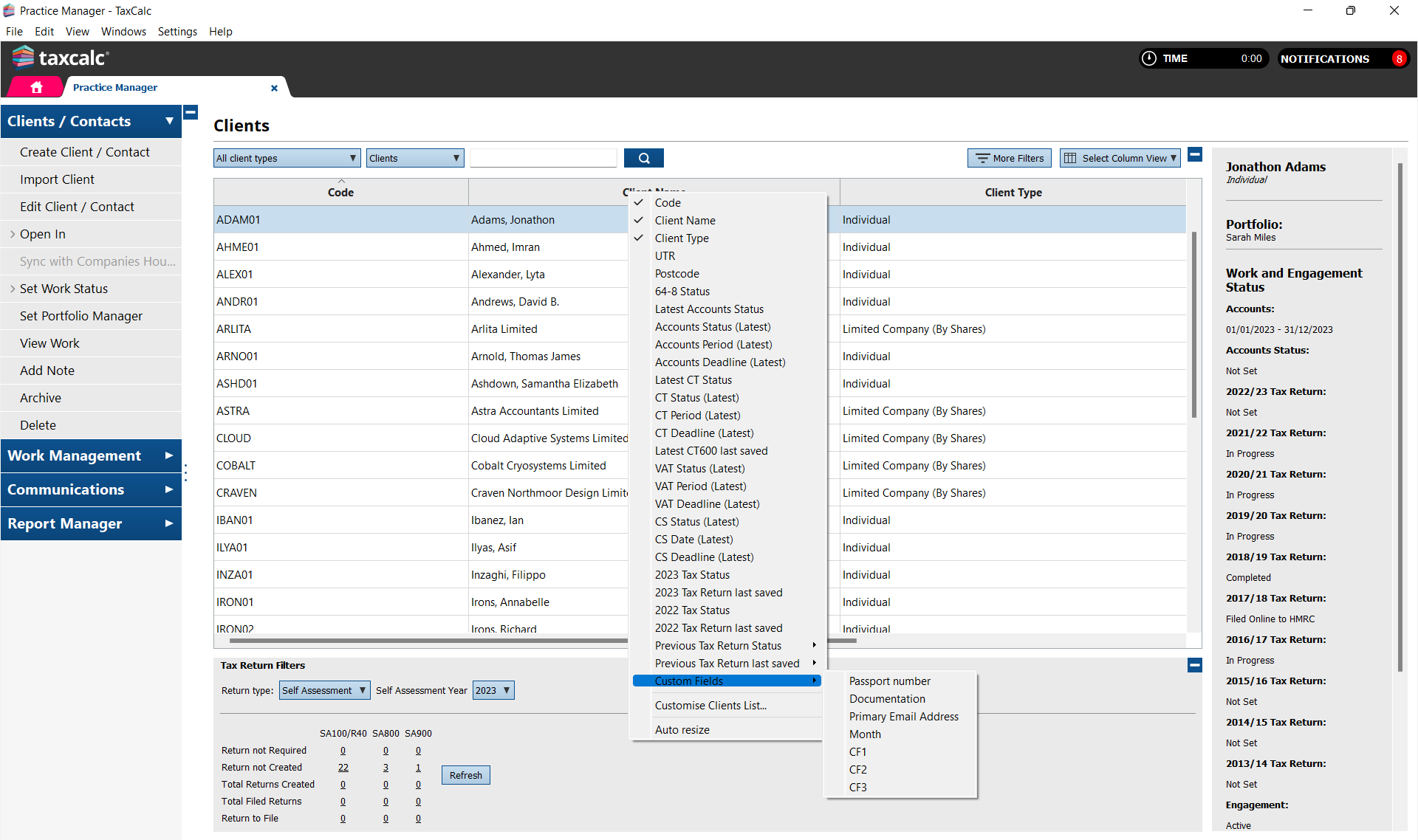
Within the client list in Practice Manager, you can add/remove columns that you want displayed by right-clicking over the column header. You can also add your custom fields to display as a column from here.
Please contact our team on 0345 5190 882