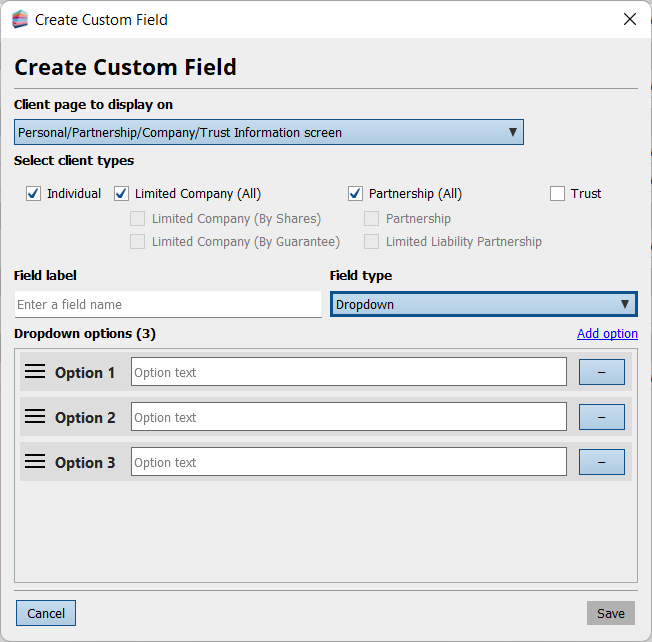
Creating Drop Down Lists for Custom Fields
Within Admin Centre > Applications > Customise Practice Manager > Custom Fields, you can create a custom field with dropdown options. You can add as many as you need. This makes it much easier for users to select the correct information for the custom field.