MTD IT for agents - authorising TaxCalc to connect to HMRC

Article ID: 3458
Last updated: 18 Jun, 2026

In order to use TaxCalc to submit and retrieve information for MTD income tax for your clients, HMRC require authorisation between the software and the MTD APIs.

These can be retrieved within Admin Centre > Applications > MTD Quarterly Filer.

  1. Open TaxCalc and select Admin Centre
  2. Click on Applications and double click on MTD Quarterly Filer 
  3. Click on HMRC API Token Management and New Token
  4. Click the Authorise button for MTD Income Tax and click Continue

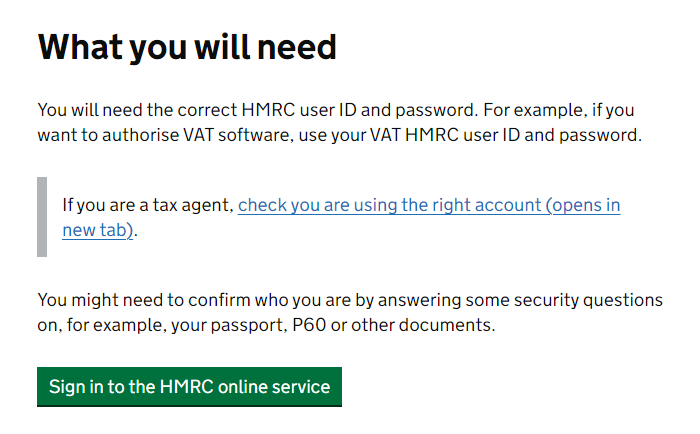
5. The HMRC window should appear. Click Sign in to the HMRC online service

6. Enter your Agent Services User ID and Password and click Sign in 

  • At this point, HMRC require additional information for identity checks (for example National Insurance number and date of birth). The NI number and date of birth refer to the individual partner, director or sole trader in your business who created the agent services account, not your client. In addition, multi-factor authentication (MFA) is being rolled out by HMRC throughout the year, so at some point you will also be required to enter a verification code.

7. Click Give permission to allow TaxCalc to connect with HMRC. 

This process generates an OAuth 2.0 access token for the software which is specific to the agent. TaxCalc stores the business or agent’s OAuth token for later use in API calls for clients. The token will expire after 18 months, so the system will remind you when the above steps will need to be repeated.

Article ID: 3458
Last updated: 18 Jun, 2026
Revision: 13
Views: 42
This article was:  


Also listed in
folder Tax Return Production -> MTD Quarterly Filer